What's New in GenRPA v3.6?

GenRPA v3.6 arrives with Dark Mode, new DataTable and Excel activities, ChatGPT Image support, the ControlRoom Log Viewer, MongoDB-based centralized logging, automatic saving and hardened security. Faster, smarter and more secure on the .NET 8 foundation.

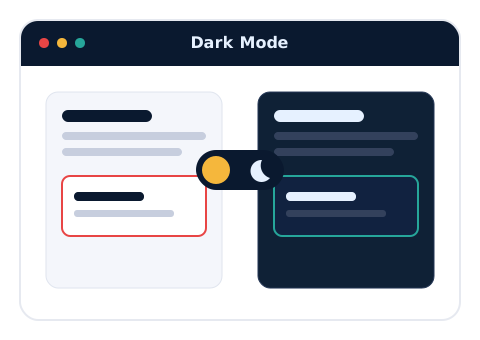
1) Dark Mode

What We Did:

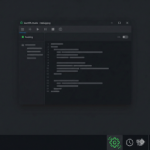
We added a modern, easy-on-the-eyes dark theme to the GenStudio interface.

What's in it for you?

  • Eye Comfort: Less eye strain during long automation development sessions.
  • Modern Experience: A contemporary, sleek and professional workspace.
  • Personalization: Switch between light and dark themes to suit your preference.
GenStudio Dark Mode

2) New DataTable Activities

What We Did:

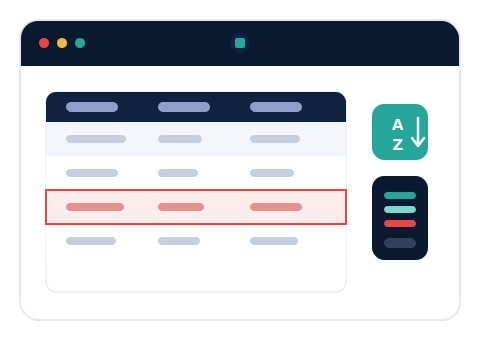
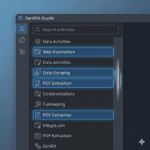
We added Get Row, Find Row, Sort DataTable, Check Column Exists, Get Column Type, Update Data Row and Group & Summarize activities for DataTables.

What's in it for you?

  • No Code: Handle complex data operations with drag & drop, no coding required.
  • Faster Development: Common table operations are right at your fingertips as ready activities.
  • Powerful Analysis: Turn your data into instantly reportable insights with Group & Summarize.
New DataTable Activities

3) New Excel Activities

What We Did:

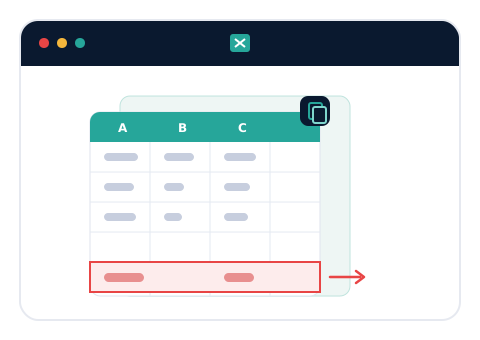
We added the Copy Worksheet and Get Last Used Row in Column activities.

What's in it for you?

  • Flexible Excel Automation: Duplicate sheets and find the last populated row in a single step.
  • Fewer Errors: Reliable, ready-made activities instead of manual calculations.
  • Time Savings: Repetitive Excel tasks become automated.
New Excel Activities

4) ChatGPT Image Support

What We Did:

We added image generation and processing support to the ChatGPT activities.

What's in it for you?

  • AI Power: Integrate image generation into your automations.
  • New Scenarios: Automate processes that require visual content end to end.
  • Future-Ready: Modern capabilities built for the Agentic AI era.
ChatGPT Image Support

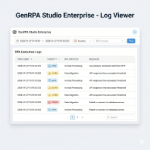
5) ControlRoom Log Viewer & MongoDB Logging

What We Did:

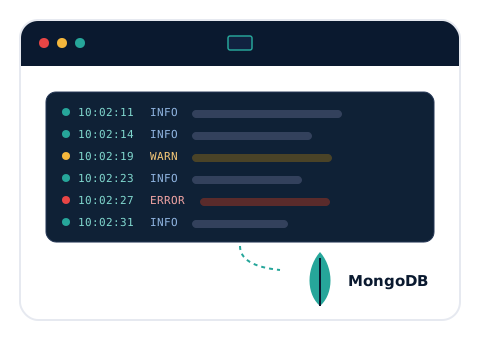
We added a real-time Log Viewer to ControlRoom and moved GenCore and ControlRoom logging to a MongoDB-based centralized infrastructure.

What's in it for you?

  • Instant Visibility: Monitor your running bots' logs in real time and with filtering.
  • Centralized Logging: All logs are gathered in a single, scalable MongoDB store.
  • Fast Diagnosis: Find issues instantly and shorten your resolution time.
ControlRoom Log Viewer and MongoDB Logging

6) Auto Save

What We Did:

We added configurable automatic saving (Auto Save).

What's in it for you?

  • No Data Loss: Your work stays safe when the unexpected happens.
  • Uninterrupted Flow: Focus on your design without thinking about saving.
  • Flexible Settings: Set the auto-save frequency to fit your needs.
Auto Save

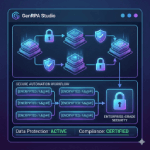
7) Hardened ControlRoom Security

What We Did:

We added automatic account lockout after five failed login attempts and single-session enforcement per user.

What's in it for you?

  • Against Unauthorized Access: Brute-force login attempts are automatically blocked.
  • Account Security: Concurrent sessions with the same account are prevented.
  • Compliance: A better fit for banking and enterprise security requirements.
ControlRoom Security

8) Improved Process Management

What We Did:

We added moving processes across folders with alphabetical sorting, and bulk export.

What's in it for you?

  • Tidy Organization: Keep your processes neatly arranged in folders.
  • Bulk Operations: Export multiple processes at once.
  • Easy Reorganization: Restructuring takes just minutes.
Process Management

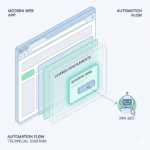
9) Updated Web Picker

What We Did:

We refreshed the Web Picker component that selects web elements.

What's in it for you?

  • Accurate Selection: Capture web elements more precisely.
  • Faster: Selection takes less time, speeding up development.
  • More Reliable: Dependable automation on modern web applications.
Updated Web Picker

More New Features

Click Without Focus

With Mouse Click Without Focus and Mouse Right Click Without Focus, click without bringing the window to the front for uninterrupted background automation.

Text Extract LeftRight

Extract the value between two pieces of text quickly and easily.

Wrap Text & Outlook Delete Message

Automatically wrap text to any width, and round out your email automations with the new Delete Message activity for Outlook.

Improvements

Expression Editor

Function tooltips and Ctrl+K to instantly create variables right from the Expression Editor.

Smoother GenStudio

Activity connections are preserved when copying across pages, paste via right-click on an empty canvas, Ctrl + Double Click to open the target page from a Page activity, and canvas position is kept when focus returns to GenStudio.

ControlRoom & Logging

Enable/Disable toggle and disabled-status filtering for schedules, an Exception Type column on the Queue screen, Log Settings to view Custom/Robot logs in the Log Viewer, and server name + user info added to log files.

Activity Enhancements

Encoding/Delimiter options for DataTable To CSV and Save As Workbook, a language option for Get Browser, Add Note V2, and an Exception Type field for the Mark Exception queue activity.

Stability & Performance

Comprehensive stability and performance improvements across SAP Login, Mail/File Trigger, Loop and Multiple Assign flows, and the overall GenStudio & ControlRoom experience.

Ready to explore the new GenRPA? Contact Us!

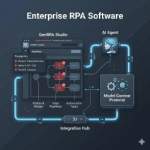
What's New in GenRPA v3.5?

1) MCP Integration

What We Did:

We added Model Context Protocol (MCP) integration; GenStudio now communicates with LLMs in a standardized and secure way.

What's in it for you?

  • Standardized Communication: A secure, standard protocol for talking to AI models.
  • Extensibility: Connect different LLMs to your automations with ease.
  • Future-Ready: Infrastructure built for Agentic AI scenarios.

2) Breakpoint List

What We Did:

We added a list that lets you manage all breakpoints from a single, central place.

What's in it for you?

  • Faster Debugging: Manage your breakpoints from one screen.
  • Full Control: See at a glance which breakpoint is where.

3) Log Viewer

What We Did:

We added a Log Viewer that monitors your running bots' logs in real time and with filtering.

What's in it for you?

  • Live Monitoring: Watch your automation logs in real time.
  • Easy Analysis: Filter to find issues quickly.

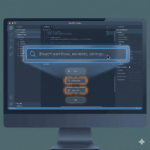
4) Global Search Window (Ctrl+Shift+F)

What We Did:

We enabled comprehensive search across the entire project with a single shortcut.

What's in it for you?

  • Speed: Find what you're looking for in seconds.
  • Productivity: Save serious time on large projects.

5) Shadow DOM Support for Web Automation

What We Did:

We added support for Shadow DOM structures in modern web applications.

What's in it for you?

  • More Reliable: Dependable element selection on modern sites.
  • Broad Compatibility: Automate complex web components too.

6) SaaS Activities (Microsoft Teams, Slack, Jira)

What We Did:

We added ready-to-use integration activities for popular SaaS platforms.

What's in it for you?

  • Ready Integration: Connect to Teams, Slack and Jira without writing code.
  • Quick Setup: Integrate your processes in minutes.

7) Encryption Activities

What We Did:

We added built-in security activities for text encryption and decryption (Encrypt/Decrypt Text).

What's in it for you?

  • Data Security: Protect sensitive data within your automation.
  • Compliance: Meet enterprise security requirements.

8) Outlook Attachment List Support

What We Did:

We added support for listing and managing attachments from Outlook messages.

What's in it for you?

  • Easy Management: Handle attachments in bulk instead of one by one.
  • Flexibility: Quickly reach the attachment you need.

9) Inline Attachment Download

What We Did:

We added the ability to download email attachments instantly using the Message ID.

What's in it for you?

  • Direct Access: Reach the attachment of any message instantly.
  • Automation-Friendly: Easily add attachment download to your processes.

10) Add Note Activity

What We Did:

We added the Add Note activity so you can insert annotations and notes into your automation flows.

What's in it for you?

  • Readability: Document your processes right inside the flow.
  • Teamwork: Other developers understand the flow more easily.

11) Debug Tray Icon Indicator

What We Did:

We added a blinking system tray icon indicator for bots minimized in Debug mode.

What's in it for you?

  • Instant Awareness: Never miss that a bot is running in Debug mode.
  • Easy Tracking: See the status directly from the tray icon.

12) ControlRoom - Web Service Structure

What We Did:

We enabled managing web services under a centralized ControlRoom structure.

What's in it for you?

  • Central Management: Manage your web services from one place.
  • Scalability: Keep your services organized and under control.

13) ControlRoom - AI Config & Assistant Modules

What We Did:

We made AI configurations and assistant definitions manageable from ControlRoom.

What's in it for you?

  • Easy AI Management: Manage AI settings from a central place.
  • Assistant Definitions: Define your AI assistants in one place.

Improvements

Improved Activity Search Performance

Smoother and faster scrolling in the Activity Search panel.

Enhanced Log Message Activity

Expression-enabled logging for more dynamic automation insights.

UI & Stability Improvements

Refined user interface and overall stability improvements across GenStudio.

Ready to explore the new GenRPA? Contact Us!

The New GenRPA: Smarter, Faster, Simpler & Future-Ready

We’re excited to launch the new GenRPA, redesigned for the Agentic AI era. Built on a modern .NET framework with real-time dashboards and seamless setup, GenRPA is not just an RPA platform, it's your launchpad for AI-powered automation agents.

1) Future-Ready Foundation with .NET 8

What We Did:

We have upgraded the core .NET platform of GenRPA to the latest and most comprehensive version, .NET 8.

What's in it for you?

  • Performance Boost: .NET 8 offers significant performance improvements over previous versions. This means GenRPA runs faster, and your automation processes complete in less time.
  • Enhanced Security: Equipped with the latest security patches and features, .NET 8 makes your GenRPA applications and automations more secure.
  • Long-Term Support (LTS): As a Long-Term Support (LTS) version, .NET 8 ensures that the platform remains up-to-date and supported well into the future.
.NET 8 Technology

2) Completely Revamped Comprehensive Documentation

What We Did:

We have created a comprehensive knowledge base covering all of GenRPA's features, use cases, and best practices. We have completely revamped our documentation.

What's in it for you?

  • Easy Access: We offer a more understandable, organized, and accessible resource for our users to learn GenRPA and utilize its full potential. (docs.genrpa.com)
  • Quick Start: It includes step-by-step guides for beginners and in-depth technical information for experienced users.
  • Up-to-Date Information: All new features and updates on the platform are instantly reflected in the documentation.
Comprehensive Documentation

3) Seamless Transition: Migration Tool from UiPath to GenRPA

What We Did:

We have developed a special migration tool that allows you to easily transfer your existing UiPath processes to the GenRPA platform.

What's in it for you?

  • Time and Cost Savings: Instead of rewriting your existing automations, you can achieve a fast and efficient transition with this tool.
  • Low Risk: Evaluate the impact before you migrate. Our comprehensive migrations reports highlight coverage and gaps so you can plan your migration with precision.
  • Rapid Adaptation: Start benefiting from the advantages of GenRPA more quickly.
Migration Tool

4) Real Time Dashboards for Complete Visibility

What We Did:

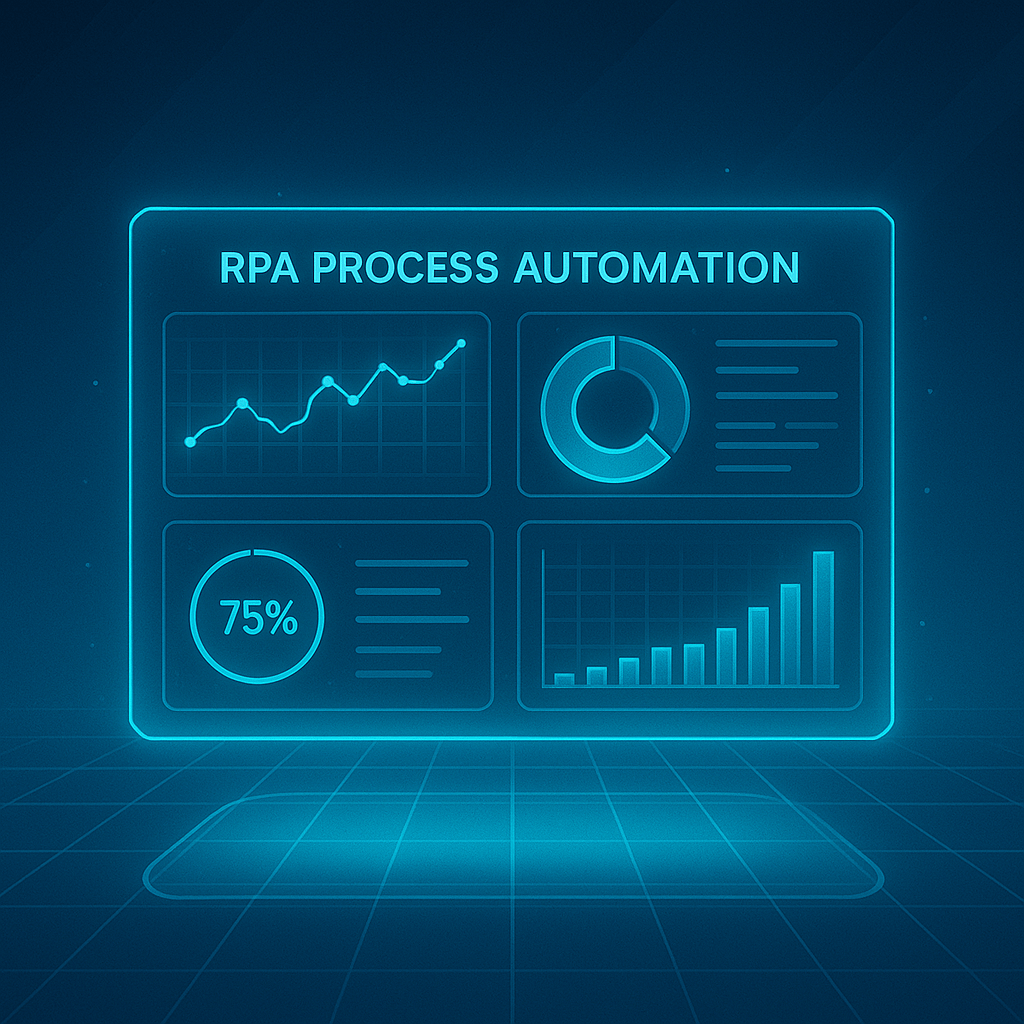
We introduced powerful dashboards in GenControlRoom to provide detailed, real-time visibility into the performance, health, and outcomes of your automation processes.

What's in it for you?

  • Detailed Analysis: Get a clearer view of the efficiency, success rates, and potential failure points of your automations.
  • Real-Time Monitoring: Access real-time data on the status of your processes to take proactive measures.
  • User-Friendly Interface: It simplifies your decision-making processes by presenting complex data in understandable graphs and tables.
Advanced Reporting

5) Reinforced License Management

What We Did:

We have developed a brand-new license management panel that centralizes your licensing processes and security.

What's in it for you?

  • Increased Security: Our licensing infrastructure has been reinforced with the latest technologies to prevent unauthorized use and ensure the security of your licenses.
  • Flexible Management: Easily manage license assignments, tracking, and updates from a central panel.
  • Transparency: It provides clear and understandable information regarding your license usage.
License Management

6) Effortless Setup: Automatic Application Installer

What We Did:

We have developed an Installer that automatically installs and configures all of GenRPA's components (Studio, Robot, Scheduler), the database (MSSQL), the web portal (GenControlRoom), and all necessary infrastructure (IIS, Windows features, config files).

What's in it for you?

  • Rapid Deployment: By automating complex setup steps, get GenRPA ready for use in minutes.
  • Full-Scope: It covers not only the main applications but also all steps like the automatic configuration of Management Studio, necessary Windows features, IIS, and config files.
  • Error Reduction: It eliminates potential configuration errors that can occur during manual setup, ensuring a smooth start.

Automatic Installer